Article
Sep 21, 2026
Cloud-Based Video Surveillance vs DVR Systems: What Is the Difference?
Cloud video surveillance and DVR systems store and protect footage very differently. Compare cost, access, reliability and security for your business.
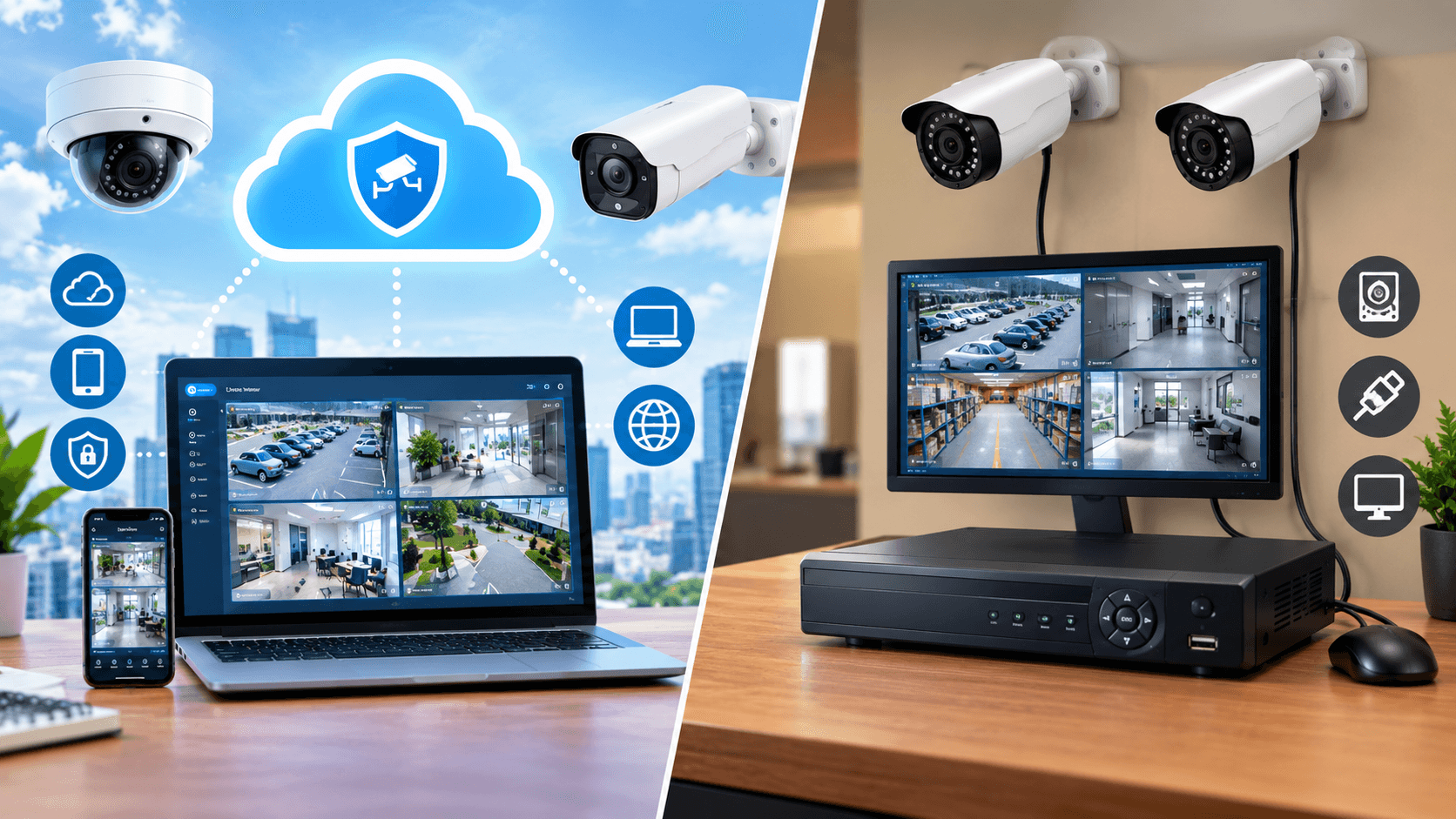
Video Surveillance Systems have become vital components of business security within the United States. Cameras are installed by retail outlets, gas stations, restaurants, storage units, office buildings, and other business establishments to help monitor activities and provide protection against any security threats.
However, the selection of a surveillance system goes beyond just the installation of cameras. Other factors that businesses have to take into account include storage of video footage, access to the system, maintenance of the surveillance system, and scalability of the system.
Two common approaches are cloud-based video surveillance and traditional DVR-based systems. Both can record video, but they differ significantly in storage, accessibility, maintenance, scalability, and the way businesses can manage security across one or multiple locations.
What Is a DVR Security System?
Digital Video Recorder (DVR) is a conventional security system where the video from the cameras is sent to a physical recording device which is physically located at the business premises.
DVR captures and records videos using the hard drive of the device. Businesses can view these captured videos through a monitor that is connected to the DVR, or even through an online network.
A DVR security system can be a practical choice for businesses that prefer local video storage. For example, a small retail store may have several cameras connected to a DVR located in a secured back office.
What Is Cloud-Based Video Surveillance?
With cloud-based video surveillance, video data and surveillance management rely partly or primarily on cloud infrastructure rather than depending entirely on a local recording device.
An authorized user may be able to access the camera and video feed remotely from the supported devices and applications.
It can make management of surveillance easier for business owners, security staff, and managers who do not always stay at the premises.
Cloud-Based Video Surveillance vs DVR: Key Differences
The two approaches can both provide video recording, but the way they handle surveillance data and system management is different.
Here are the major areas businesses should consider.
1. Video Storage
Footage from DVR cameras is stored physically on hard disks. The quantity of footage that can be saved by a company depends on the storage space that is provided in the recorder.
If additional storage is required, the business may need to upgrade or replace physical hardware.
Cloud-based systems store or manage video through cloud infrastructure, with storage capacity and retention periods generally depending on the provider and selected plan.
Businesses should consider how long they need to retain footage and how frequently security teams need to access historical recordings.
2. Remote Access
Remote access is one of the biggest differences between traditional and cloud-based surveillance.
Remote access can be provided by DVR systems; however, this could need extra work on the network side.
Most cloud-based systems are constructed with the aim of remote accessibility in mind. Users who are granted access can be allowed to view live videos, recordings, alarms, and other features of surveillance.
3. Hardware and Maintenance
A DVR-based system depends on physical recording hardware installed at the business.
The equipment has to be correctly installed, maintained, protected, and ultimately replaced. The problems with hard-drives can prevent one from having access to the stored images when there are no proper backups made.
Cloud-based surveillance decreases the business’s reliance on a recorder that can be installed locally to store and manage data centrally. Nonetheless, the camera, network components, electricity, and internet connections must still be considered.
4. Scalability Across Locations
A surveillance setup that works for one store may become more difficult to manage when a business expands.
With a traditional DVR approach, adding cameras may require additional recording capacity or hardware. Adding multiple locations can also result in separate systems that need to be managed individually.
Cloud-based platforms can provide centralized management across locations, depending on the provider.
5. Data Security
Video surveillance can contain sensitive business and customer information, making data security an important consideration.
With a DVR system, businesses are responsible for protecting the physical recorder and controlling who can access stored footage.
With cloud surveillance, security responsibilities are shared between the business, camera infrastructure, network, and cloud provider.
6. Internet Dependence
Cloud surveillance generally has a greater dependence on internet connectivity for remote access and cloud-based functions.
However, should there be a disruption of connectivity to the internet, certain functionalities in the cloud would become inaccessible until connectivity is restored. Some options will still record and synchronize video data while connectivity is restored.
7. AI-Powered Video Analytics
Modern surveillance is increasingly moving beyond simple video recording.
AI video surveillance can analyse video activity and identify specific events, behaviours, or patterns based on configured rules.
Depending on the solution, AI analytics may help identify activity such as:
Movement in restricted areas
Suspicious behaviour
After-hours activity
Perimeter activity
Unusual customer or employee behaviour
Potential security incidents
This can reduce the need for security personnel to manually watch every camera feed.
Instead, the technology can help direct attention toward events that may require human review.
8. Remote Video Monitoring
Recording video is only one part of business security.
Remote video monitoring adds another layer by allowing trained personnel to review live feeds, alerts, or specific events from a remote location.
This can be especially useful during overnight shifts, periods of reduced staffing, or when a business operates several locations.
9. Integration With Modern Security Systems
Another factor to consider is how the surveillance system works with other security technologies.
Modern business security cameras may be integrated with access control, POS data, alarms, analytics platforms, and other business systems.
For example, retailers may want to compare video activity with transaction events such as refunds, voids, discounts, or cash drawer activity.
This can give security teams more context when investigating unusual events.
Cloud platforms may offer additional integration options, although the available capabilities vary between providers.
Which System Is Right for Your Business?
There is no universal answer for every business.
A DVR may suit a smaller business that prefers local storage, has a stable physical setup, and does not require extensive centralized management.
Cloud-based surveillance may be more appropriate for businesses that prioritize remote access, centralized management, scalability, and integration with modern security technologies.
Before choosing a system, businesses should consider:
Number of locations
Number of cameras
Required video retention
Internet reliability
Remote access requirements
Storage needs
Hardware maintenance
Data security
AI analytics
Remote monitoring
Future expansion
The best approach depends on how the business operates and what its security team needs from the surveillance system.
Can Businesses Combine Cloud and DVR Systems?
Businesses do not always have to choose between completely local or completely cloud-based surveillance.
A hybrid approach may combine local recording with cloud-based access, storage, analytics, or alerts.
For example, cameras may continue recording locally while important footage or security events are made available through a cloud platform.
This can provide businesses with additional flexibility while allowing them to maintain local recording capabilities.
Final Thoughts
The difference between cloud-based video surveillance and DVR lies in their storage, remote access, scalability, and security management. Whereas DVR provides localized video recording services, cloud-based solutions come with central access and more advanced monitoring features. Survill utilizes video intelligence powered by AI, live monitoring, and human supervision to enable businesses to detect possible threats early on. Ready for more advanced security? Speak to Survill for smart video solutions.